

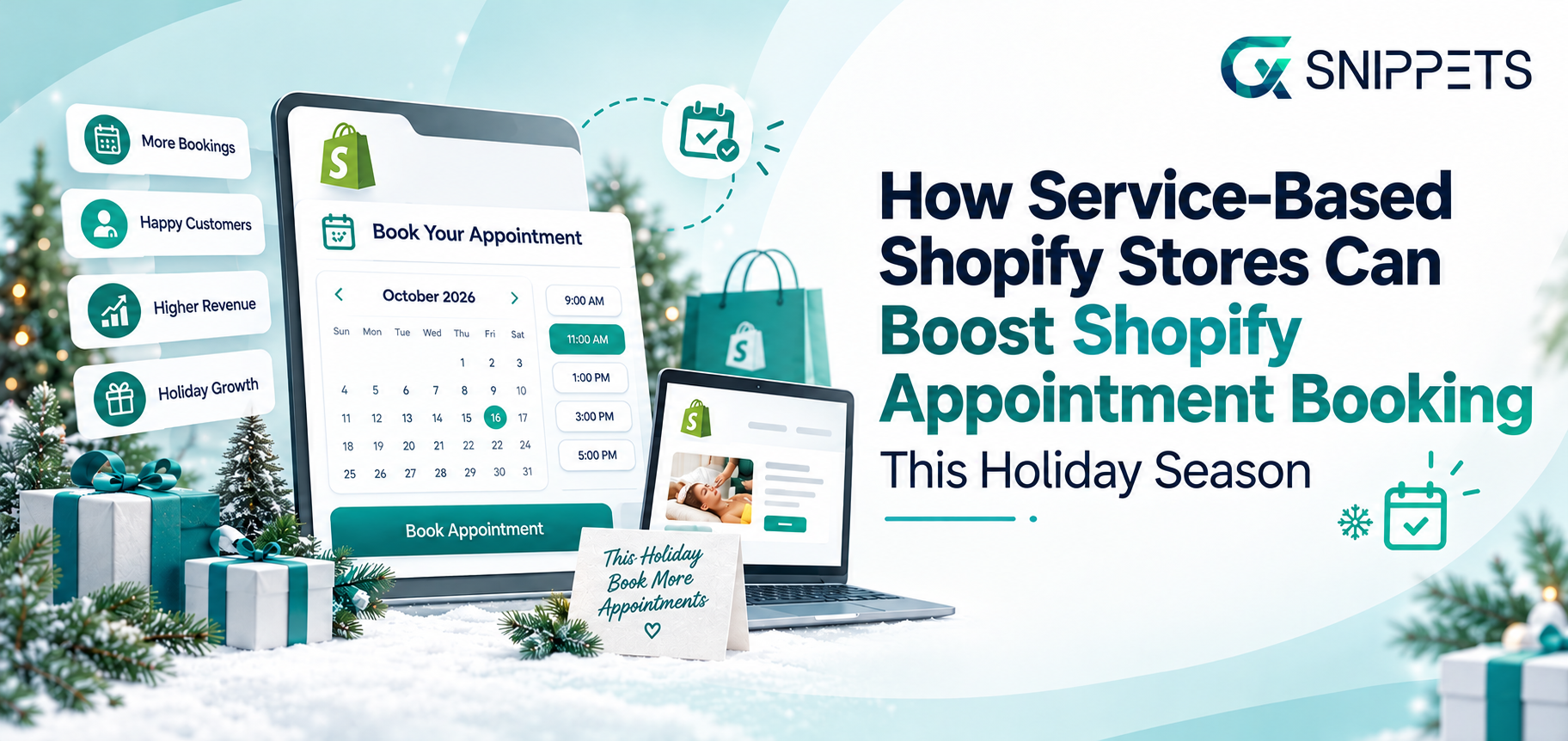
The holiday season brings more opportunities for service-based businesses as people prepare for celebrations, plan events, and look for services to save time.
Salons see more grooming appointments, photographers receive requests for family portraits, and fitness trainers or consultants attract clients who want to start the new year with fresh goals. For these businesses, Shopify appointment booking can help turn seasonal interest into confirmed bookings.
However, a busy season can also mean missed inquiries and fully booked calendars. A customer who cannot find an available time slot or get a quick answer about pricing leaves without making an appointment. Managing bookings through scattered messages and manual follow-ups can make things harder when demand picks up.
A clear booking process gives customers an easier way to choose a service and reserve a time that suits them. Shopify merchants can also use holiday-specific service packages and timely customer support to encourage more people to book.
The aim is simple: make it easy for visitors to move from exploring your services to scheduling an appointment.
In This Blog, We Will Talk About…
- Why Service-Based Stores Needs a Different Holiday Strategy
- 7 Ways to Increase Shopify Appointment Bookings This Holiday
- Make Shopify Appointment Booking Easier With the Right Apps
- Build Trust Before Asking Customers to Book
- Measure What Is Actually Increasing Your Shopify Appointment Bookings
- Shopify Appointment Booking Checklist for the Holiday Season
- Conclusion
- Frequently Asked Questions
(Jump to the section that interests you the most!)
Why Shopify Appointment Booking Needs a Different Holiday Strategy for Service-Based Stores
Selling a product and booking a service involve different customer decisions. A shopper can add a product to their cart and check out in minutes. Someone booking a salon visit, photography session, consultation, or repair service need to check available dates, understand what’s included, or ask a few questions before committing.
During the holiday season, timing becomes even more important. Customers want appointments before a family gathering, a corporate event, or a year-end deadline. If your calendar is full or your booking process is unclear, they choose another provider who can accommodate their schedule.
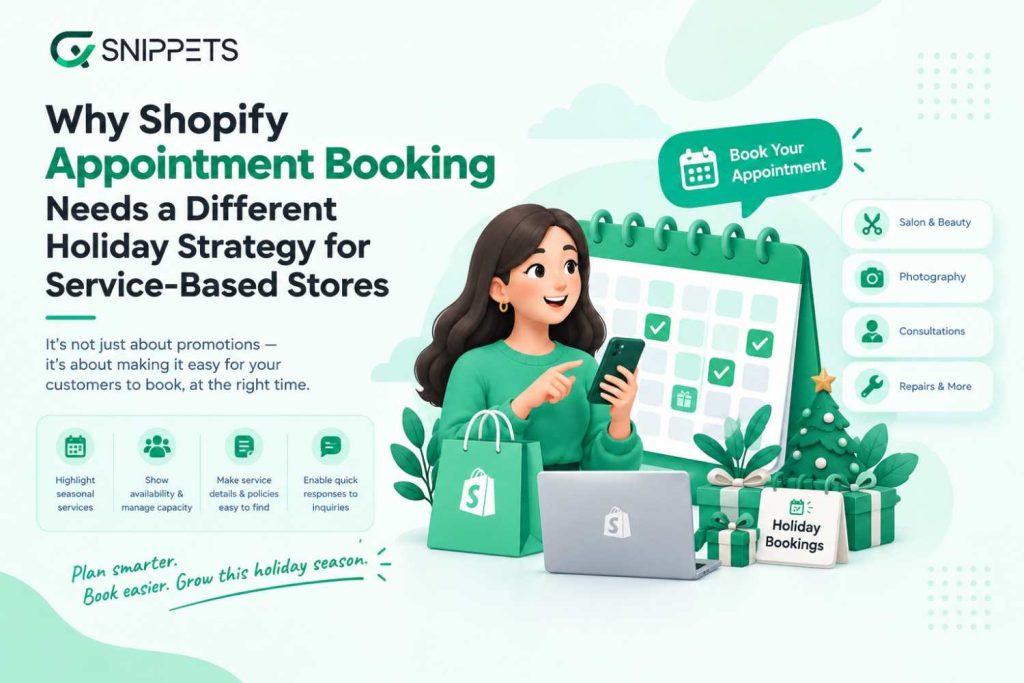
A service-based Shopify store should plan its holiday strategy around how customers book, rather than relying on promotions alone. Start by identifying which services are likely to attract seasonal demand and how many appointments your team can realistically handle. Make service details, pricing, availability, and cancellation policies easy to find.
A reliable Shopify appointment booking process can also help reduce scheduling confusion and give customers a straightforward way to reserve a slot. For businesses that depend on consultations or personalized recommendations, quick responses to customer questions can make the difference between an inquiry and a confirmed appointment.
The goal is to match seasonal demand with your actual capacity while making each customer’s path to booking as simple as possible.
7 Ways to Increase Appointment Bookings This Holiday Season with Shopify
Getting more appointments during the holidays starts with understanding what customers need and removing the barriers that stop them from booking. Your Shopify store should make services easy to explore, appointment slots easy to find, and the next step clear.
Here are seven practical ways to increase appointment bookings this season.
1. Simplify Shopify Appointment Booking for Your Customers
Customers leave if booking an appointment involves too many steps or requires several messages to confirm a time. Make the process straightforward by displaying a clear booking button on relevant service pages and providing essential details before customers commit.
Include service duration, pricing, available time slots, and cancellation policies. A Shopify booking app can help customers select a suitable appointment time without waiting for a manual response. Test the booking journey on mobile devices, too, since customers be browsing between holiday errands or while travelling.
The easier it is to understand and complete a booking, the less reason customers have to postpone it.
2. Create Holiday-Specific Service Packages
Seasonal packages give customers a clear reason to book a service during a particular period. Think about the needs of your audience and create offers that fit their plans.
For example, a salon could offer a holiday grooming package, a photographer could promote family portrait sessions, and a consultant could offer year-end business planning sessions. Fitness trainers might introduce introductory packages for customers preparing for the new year.
Keep the package details clear, including what’s included, how long the service takes, and when customers can book it. If appointments are limited, communicate the actual availability rather than creating artificial urgency.
You can feature these packages on your Shopify homepage, service pages, and holiday campaign landing pages to help visitors find them quickly.
3. Offer Gift Cards for Services
Services can make practical holiday gifts, especially when customers want to give someone an experience rather than another physical product. Gift cards let recipients choose a service or book at a time that suits them.
A spa might sell a massage voucher, a photographer could offer a family portrait gift card, or a fitness coach could sell a package of training sessions. Consultants and tutors can also explore giftable sessions where appropriate.
Make the gift card’s value, redemption terms, and expiry conditions clear before purchase. If the recipient must book an appointment separately, explain how to do so.
Shopify merchants can use a suitable gift-card app when they need features beyond their existing store capabilities. This gives customers another way to purchase services during the holidays, while introducing your business to potential new clients.
4. Answer Customer Questions Before They Abandon a Booking
Before booking a service, customers often want to know whether it suits their needs, what it costs, how long it takes, or which appointment slot is available. If they cannot find an answer quickly, they leave your store or contact another provider.
Start by adding clear FAQs to your service pages. Cover common questions about pricing, preparation, availability, cancellations, and what customers can expect during their appointment.
You can also use an AI chatbot to handle routine questions while your team is busy with existing clients. CXS AI Sales Agent can help Shopify merchants respond to visitor questions and guide shoppers toward relevant services. This is particularly useful when customers browse outside business hours or need information before deciding to book.
The aim is to help visitors make an informed decision without forcing them to wait for a reply to every basic question.
5. Use Holiday Promotions That Protect Your Margins
Discounts can encourage customers to book sooner, but cutting prices across every service reduce your earnings during an already busy period. Consider offers that provide value without relying entirely on lower prices.
For example, you could offer an additional service with a qualifying package, provide a benefit for booking during quieter hours, or introduce a seasonal consultation offer. Early-booking incentives also help you plan demand before your calendar fills up.
Make sure each promotion has clear terms, including eligible services, booking deadlines, and the dates when appointments can take place. Your booking page should display the offer details so customers understand what they will receive.
A well-planned promotion gives customers a reason to act while helping your business manage its holiday schedule.
6. Follow Up With Visitors Who Don’t Complete a Booking
Some visitors will explore your services without making an appointment immediately. They need to compare options, confirm their schedule, or discuss the cost with someone else. A follow-up can bring them back when they are ready.
Where you have permission and the necessary contact details, use email marketing to share relevant service information, remind customers about an offer, or invite them to schedule a consultation. If a customer has already made an inquiry, a timely and helpful response can address any remaining questions.
Avoid sending repeated messages or assuming that every visitor who leaves intended to book. Keep follow-ups relevant and respect customer communication preferences.
For existing clients, appointment reminders and post-service emails can also encourage future bookings and help reduce missed appointments.
7. Encourage Repeat Bookings and Referrals
Holiday appointments can introduce your business to customers who return throughout the year. Give them a clear reason to stay connected after their first visit.
For recurring services, suggest a suitable follow-up appointment before the customer leaves or send a reminder when their next visit is due. A salon might recommend a future maintenance session, while a tutor or fitness trainer could suggest booking the next set of sessions in advance.
Referral incentives can also encourage satisfied customers to recommend your services to friends and family. Keep the reward simple and explain how it works.
A Shopify appointment booking system can help organize incoming reservations, while suitable email, loyalty, or referral apps can support your follow-up efforts. Focus on building genuine relationships rather than sending the same promotional message to every customer.
Make Shopify Appointment Booking Easier With the Right Apps
Managing appointments manually can become difficult when holiday inquiries start coming in. A suitable booking system for Shopify can help customers reserve time slots while giving merchants a clearer view of their schedules. Other apps can handle customer questions and follow-ups, so fewer inquiries get lost during busy periods.
CXS Booking App: Simplify Appointment Scheduling on Shopify
The CXS Booking App is worth considering if your Shopify store offers services that customers need to book in advance. A dedicated booking solution can make it easier for visitors to find the booking option and reserve an appointment, while helping merchants manage their booking process.
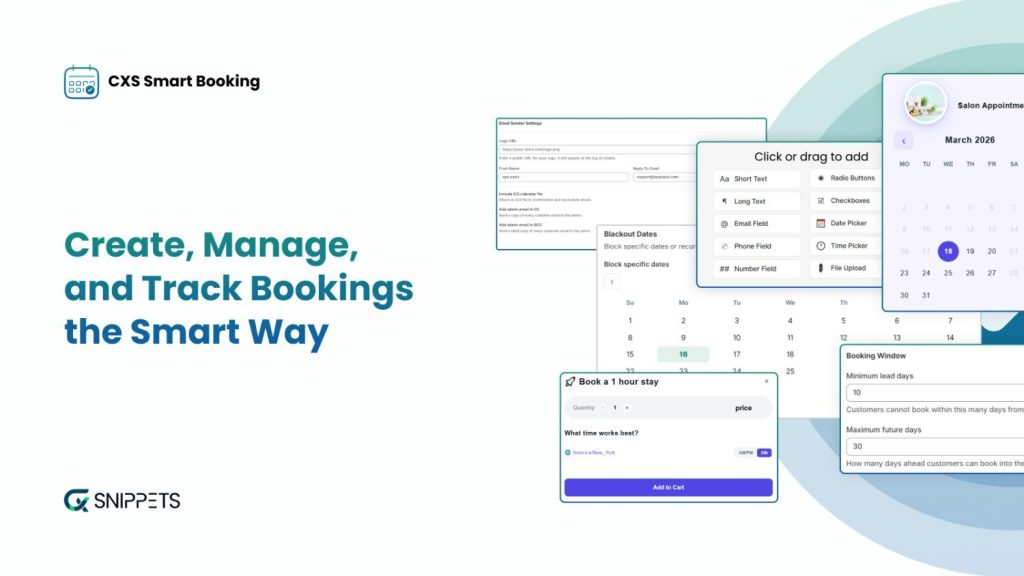
When comparing a Shopify booking app, look at how it handles availability, scheduling, and the needs of your particular service business. The right choice should fit your booking workflow rather than add unnecessary steps for you or your customers.
Explore the CXS Booking App to learn more about the available booking solution.
CXS AI Sales Agent: Help Visitors Choose the Right Service
Some customers need answers before they are ready to book. They want to understand the difference between two services, check pricing, or find out which option suits their needs.
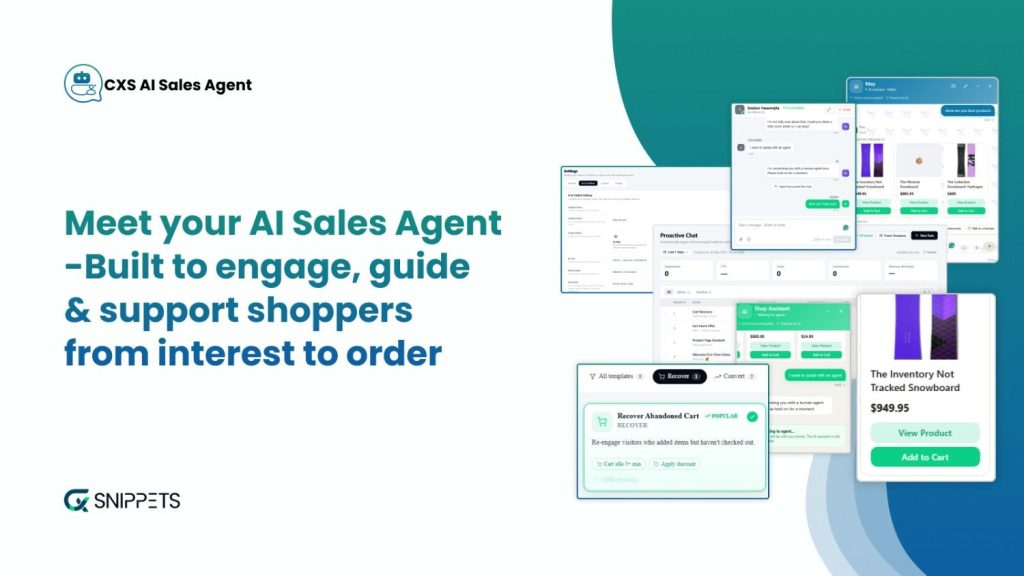
CXS AI Sales Agent can help Shopify merchants respond to visitor questions and guide customers toward relevant products or services through conversational support. It complements a booking app by helping visitors make decisions before they proceed to the appointment stage.
Explore the CXS AI Sales Agent App to learn more about how it can help your business.
Other Shopify Apps Worth Considering
Depending on your business, a few other app categories support your holiday booking strategy:
- Gift-card apps: Let customers purchase service vouchers as holiday gifts.
- Email marketing apps: Send appointment reminders, follow-ups, and relevant seasonal offers.
- Review apps: Display customer feedback to help new visitors assess your services.
- Loyalty and referral apps: Encourage satisfied clients to return or recommend your business.
You don’t need every tool available in the Shopify App Store. Start with the problems that affect your customers most. For many service-based stores, a reliable Shopify appointment scheduler paired with responsive customer support is a sensible place to begin.
Build Trust Before Asking Customers to Book Through Shopify
Booking a service often requires more confidence than buying a familiar product. Customers want to know who will provide the service, what they can expect, and whether the price matches the value they will receive. During the holiday season, when appointment slots are limited, unanswered questions can make them hesitate or choose another provider.
Start by adding genuine customer reviews and testimonials to your Shopify store. For services such as photography, event planning, and salon treatments, examples of previous work can help visitors understand the quality they can expect. Consultants, tutors, and fitness trainers can share relevant credentials or customer feedback to establish credibility.
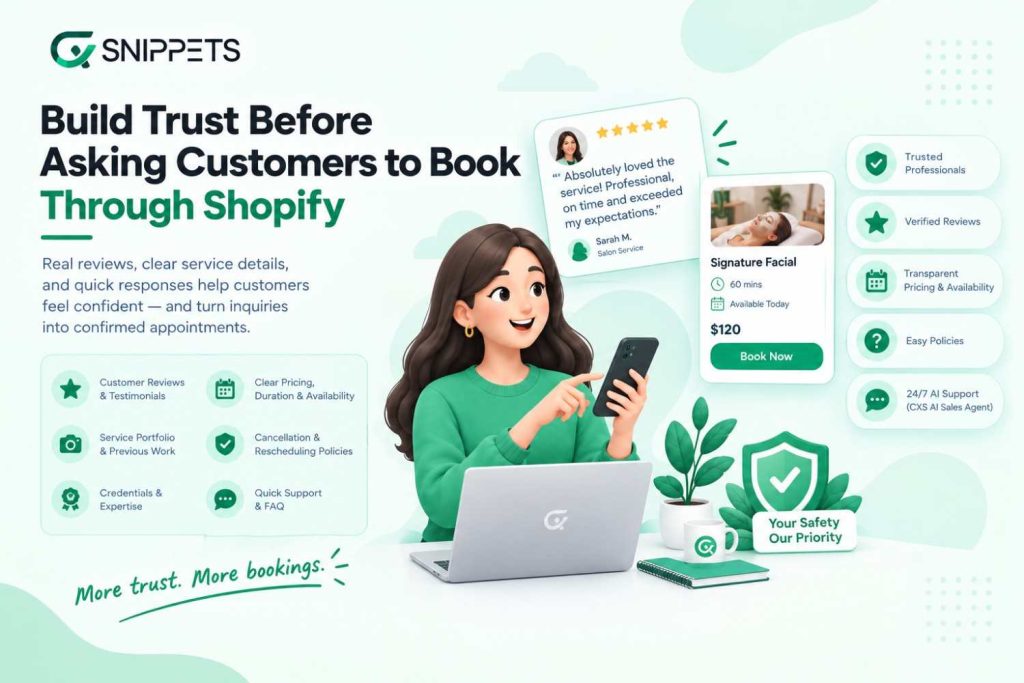
Your Shopify appointment booking page should also explain the service clearly. Display pricing, duration, availability, and any preparation customers need to complete before their appointment. Make cancellation, rescheduling, and refund policies easy to find so customers know what happens if their plans change.
Fast responses also help build confidence. Add answers to common questions on service pages, and consider using a tool such as CXS AI Sales Agent to respond to routine inquiries when your team is unavailable.
When customers understand what they are booking and feel comfortable with your business, they have fewer reasons to delay making an appointment.
Measure What Is Actually Increasing Your Shopify Appointment Bookings
More website traffic doesn’t always lead to more appointments. To understand whether your holiday strategy is working, track how visitors move from exploring your services to completing a booking.
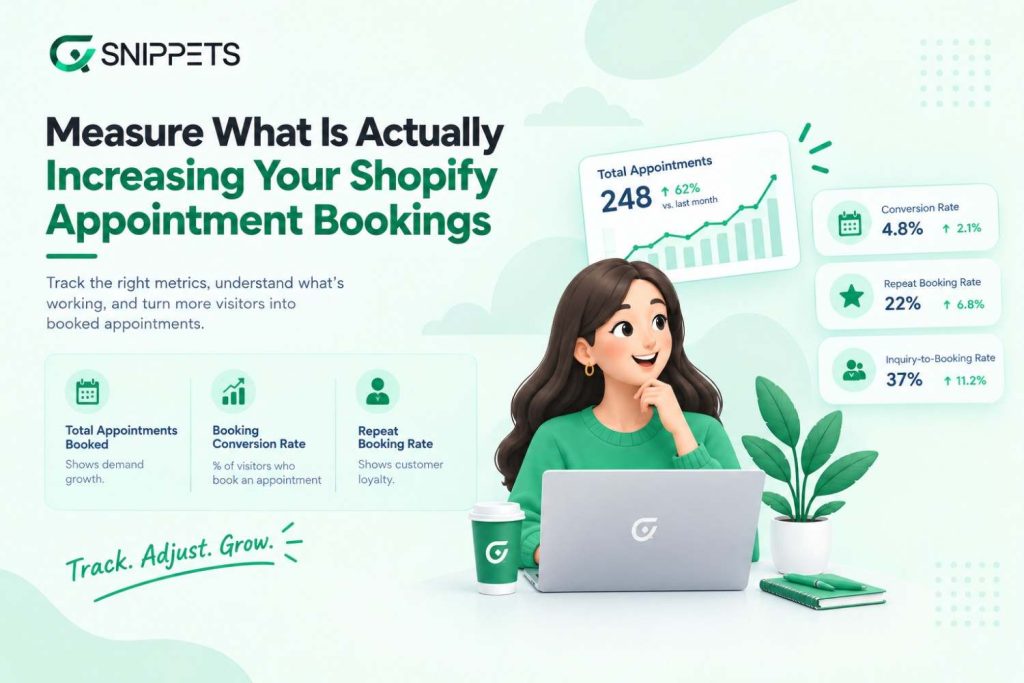
Start with your booking conversion rate, which shows the percentage of visitors who complete an appointment. If many people visit your service pages but few book, review the booking process, pricing information, and available time slots.
Pay attention to these other metrics as well:
- Total appointments booked: Shows whether demand is growing during your holiday campaign.
- Average booking value: Helps you understand whether service packages and add-ons are increasing the value of each appointment.
- Cancellation and no-show rates: Reveal how often confirmed appointments fail to take place.
- Repeat booking rate: Shows whether customers return after their first appointment.
- Inquiry-to-booking rate: Helps you assess whether customer questions are turning into confirmed appointments.
Use your Shopify analytics and booking app reports to compare results across services and promotional campaigns. For example, if a holiday package receives plenty of visits but few bookings, you need to clarify its benefits or review its price.
Check these metrics regularly throughout the season. The results can help you adjust your offers, manage appointment availability, and focus on the activities that bring more customers to your booking calendar.
Shopify Appointment Booking Checklist for the Holiday Season
Before your holiday campaign gets busy, review your Shopify appointment booking process to make sure customers can reserve a slot without confusion.
- Make booking buttons easy to find on your homepage and service pages.
- Update holiday hours, available slots, and service pricing.
- Create seasonal packages or gift options that suit your audience.
- Add clear service descriptions, customer reviews, and booking policies.
- Answer common questions quickly with FAQs or AI-powered customer support.
- Set up appointment confirmations, reminders, and relevant follow-up emails.
- Check that your booking system works smoothly on mobile devices.
- Track completed bookings, cancellations, and repeat appointments.
You don’t need to change everything at once. Start with the issues that make it hardest for customers to book, then review your results as holiday demand grows. A well-organized booking process helps you manage appointments while giving customers a clear path from choosing a service to confirming their visit.
Conclusion
The holiday season gives service-based Shopify stores a chance to reach new customers and fill their appointment calendars. Turning that interest into bookings depends on how easily customers can find a suitable service, get their questions answered, and reserve a time that works for them.
Review your current booking process before seasonal demand picks up. Make service details clear, prepare offers that fit your audience, and use a reliable Shopify appointment booking solution to manage reservations. Tools such as the CXS Booking App can support your booking process, while CXS AI Sales Agent can help visitors get answers before they decide to book.
Start with the changes that address your biggest booking challenges, then track the results throughout the season. Every step that removes friction from the customer journey gives visitors a clearer path to scheduling their next appointment.
Frequently Asked Questions
1. How can I add appointment booking to my Shopify store?
You can add appointment booking to your Shopify store using the CXS Booking App, which helps service-based businesses manage customer appointments. Choose a booking solution that fits your service type and scheduling needs, then make booking options accessible on your service pages so customers can reserve appointments online. Before choosing, review the app’s available features to ensure they match your business requirements.
2. Which Shopify booking app is best for service-based businesses?
The best Shopify booking app depends on your business needs. Salons, consultants, photographers, fitness trainers, and repair services may require different scheduling features. Compare apps based on appointment management, availability settings, booking flexibility, customer notifications, and ease of use before choosing one.
3. How can I increase appointment bookings during the holiday season?
You can increase appointment bookings by promoting seasonal service packages, offering gift cards, simplifying your booking process, and making available time slots easy to find. Responding quickly to customer questions and sending relevant follow-up emails can also encourage interested visitors to complete their bookings.
4. Can I sell services and accept appointments through Shopify?
Yes. Shopify merchants can sell services and accept appointments using a suitable booking app. You can display service descriptions and prices, let customers select available time slots, and manage reservations through the app. The exact capabilities depend on the booking solution you choose.
5. How can AI help service-based Shopify stores get more bookings?
AI-powered customer support can answer common questions about services, pricing, and booking policies, helping visitors make decisions without waiting for a response from your team. CXS AI Sales Agent can guide customers toward relevant services and answer questions through conversational support. Pairing this support with a convenient booking process can help turn more inquiries into appointments.
About the Author: Mohd Talib

